SEO1 min read
Google Business Profile Basics for Local Businesses
How to set up and maintain a Google Business Profile so customers can find you on Google Search and Maps.
By DGTL PROS
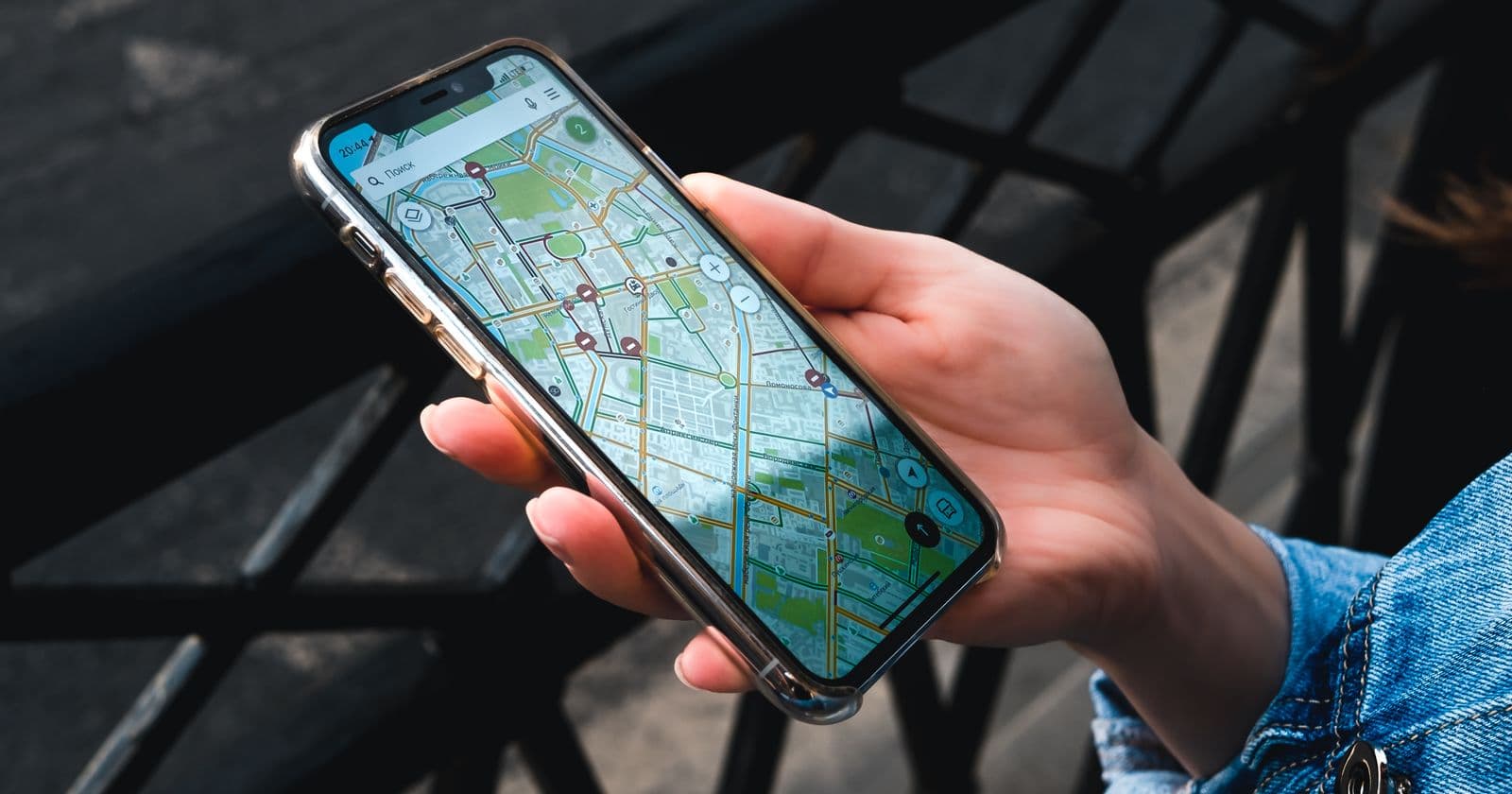
When someone searches for a service "near me," Google shows a map with a handful of local businesses. Those listings come from Google Business Profile. It's free, and for most local businesses it's one of the most important things to get right.
Claim and verify your profile
Go to business.google.com, search for your business, and claim it. Google will ask you to verify that you own it, usually by phone, email, or video. You can't edit much until it's verified.
Fill out every field
A complete profile gives Google more to work with. Make sure you have:
- Business name exactly as customers know it (no extra keywords)
- Primary category that best matches what you do, plus a few secondary ones
- Phone number and website
- Hours, including holiday hours
- Service area if you travel to customers
- Services with short descriptions
Keep your details consistent
Your name, address, and phone number should match everywhere: your website, Facebook, Yelp, and any directories. Mismatched details confuse both Google and customers.
Add real photos
Upload photos of your work, your team, and your storefront or vehicles. Real photos make the listing feel trustworthy. Skip stock images here.
Ask for reviews and reply to them
Reviews help customers decide. Ask happy customers for a review right after the job, and make it easy by sending them your review link. Reply to every review, good or bad, in a calm and helpful tone.
Post updates
Google lets you publish short posts with offers, news, or recent projects. Posting regularly shows the business is active.
Link it to your website
Your profile should point to a fast website with the same name, phone number, and services. The two work together: the profile gets the click, and the website turns it into a call.
Need help getting your profile and website working together? Let's talk.